Step 3 of 26
Upload your campaign assets
Add the images from your asset pack straight into your campaign. You'll have 5 images: 2 people images based on your segment's audience, and 3 product images.
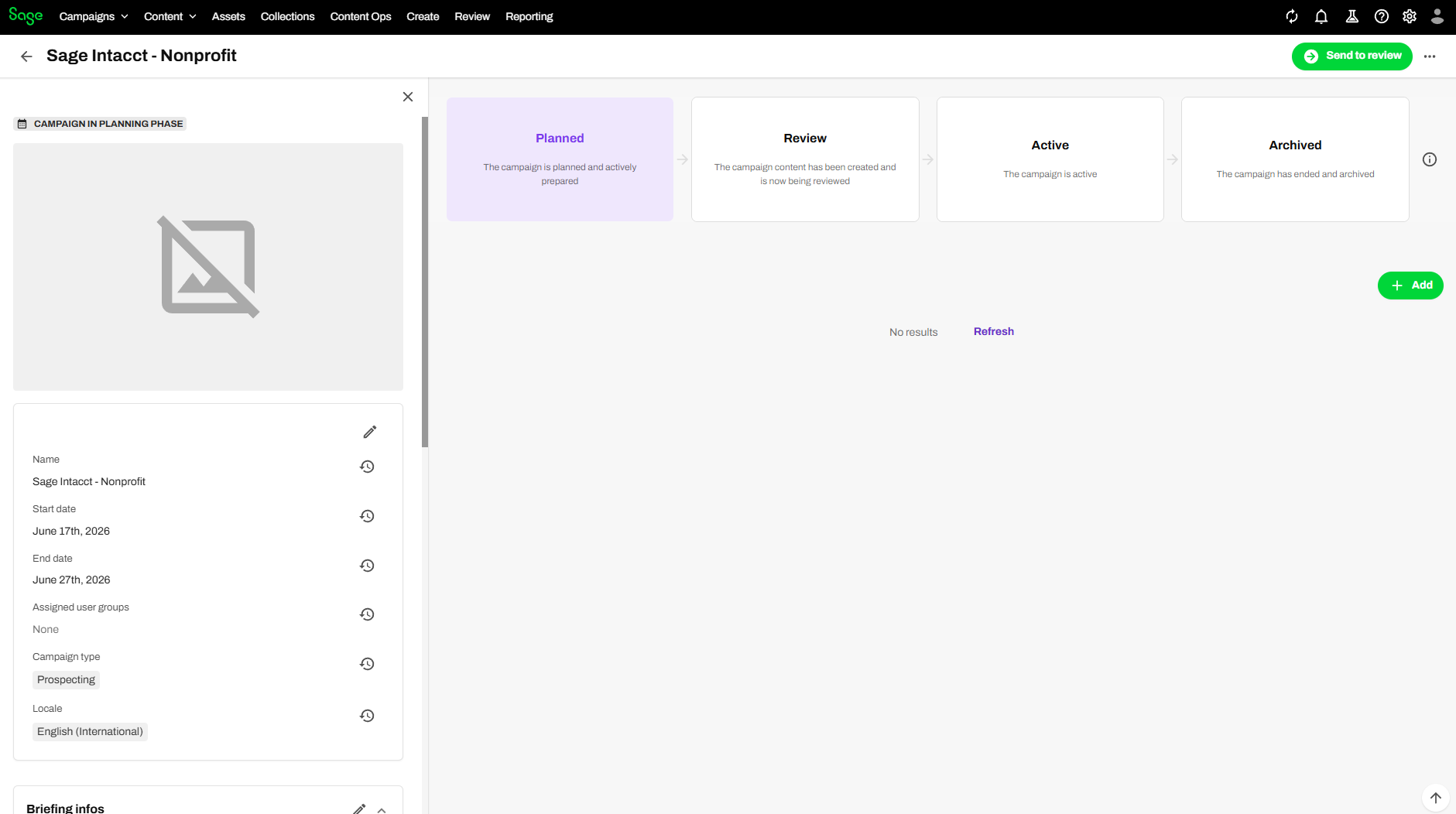
Open your campaign
- On the menu bar, click Campaigns and open your campaign (e.g. Sage Intacct – Nonprofit).
- In the top-right corner, click the green Add button.
Upload your files
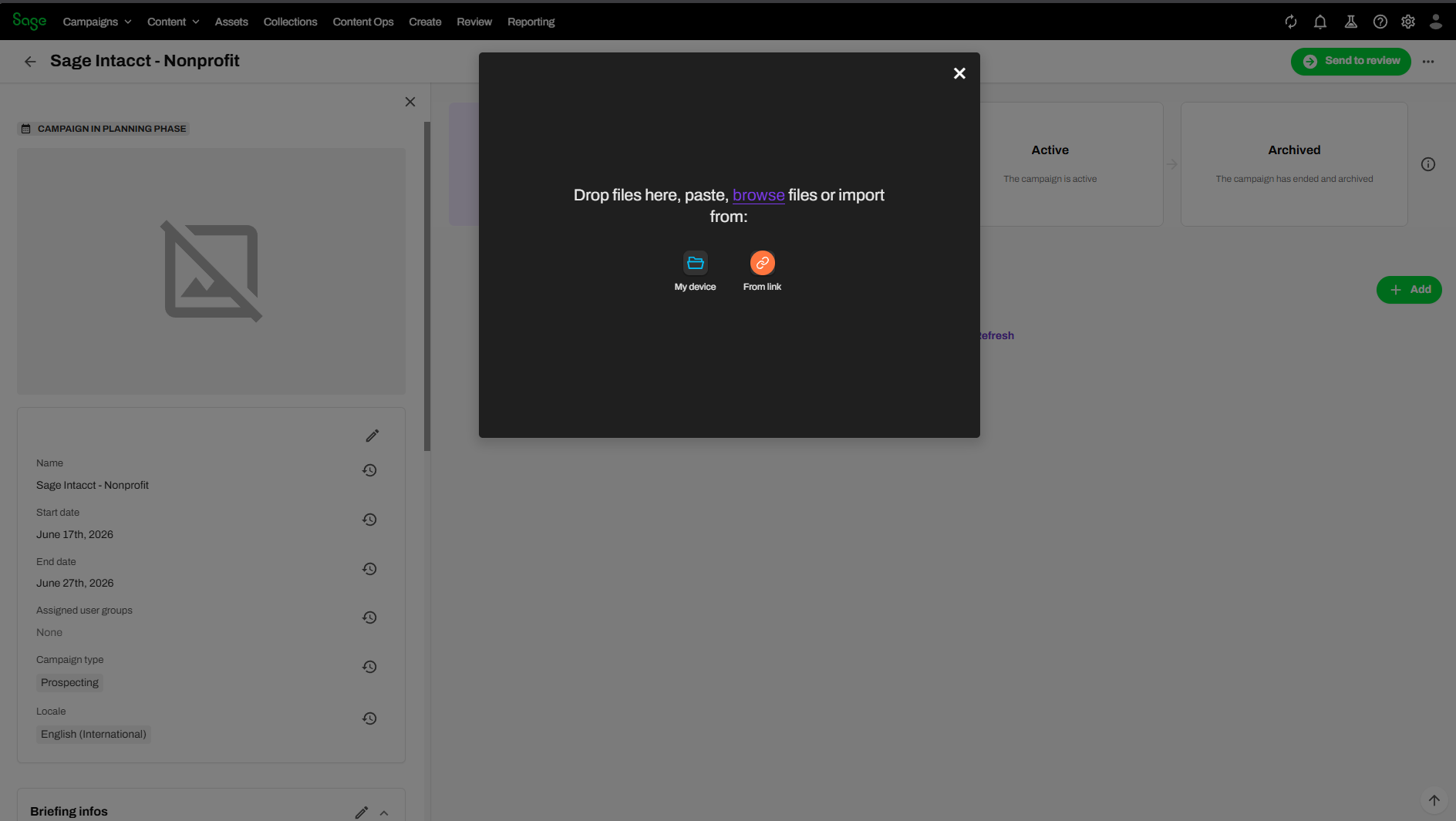
- Select Upload Files.
- In the dialog, click My device and choose your files — or drag and drop them into the dialog. (You can also use From link to import by URL.)
Here's the whole flow end to end:
Warning
Don't close the dialog while files are uploading — the upload will stop. You can pause and resume instead.
Tip
Uploading large files (1 GB+)? Use From link with a blob/SAS URL so your connection doesn't affect the job. Max file size is 50 GB.
Reference: Upload assets.